影刀RPA 文件批量处理模式:遍历与过滤

影刀RPA 文件批量处理模式遍历与过滤作者林焱什么情况用什么需要对一整个文件夹的文件做相同操作——批量重命名、批量转换格式、批量提取内容。在影刀RPA里用os模块遍历文件配合条件过滤筛选出目标文件再批量执行操作。这是文件自动化最基础也最常用的模式。适用场景批量文件处理、按条件筛选文件、文件夹监控处理、批量格式转换。怎么做拼多多店群自动化报活动上架文件遍历importos# 1. 遍历单层目录filesos.listdir(rC:\Data)forfinfiles:filepathos.path.join(rC:\Data,f)ifos.path.isfile(filepath):print(f文件:{f})elifos.path.isdir(filepath):print(f文件夹:{f})# 2. 遍历并获取文件信息forfinos.listdir(rC:\Data):filepathos.path.join(rC:\Data,f)ifos.path.isfile(filepath):sizeos.path.getsize(filepath)mtimeos.path.getmtime(filepath)print(f{f}-{size//1024}KB -{os.path.basename(filepath)})# 3. 递归遍历所有子目录forroot,dirs,filesinos.walk(rC:\Data):forfinfiles:filepathos.path.join(root,f)print(filepath)# 完整路径文件过滤importfnmatchfromdatetimeimportdatetime,timedeltadeffilter_files(folder,pattern*,file_typeNone,min_sizeNone,max_sizeNone,modified_afterNone,modified_beforeNone): 按条件过滤文件 pattern: 文件名通配符如 *.xlsx file_type: 文件扩展名列表如 [.xlsx, .csv] min_size/max_size: 文件大小范围字节 modified_after/before: 修改时间范围datetime对象 results[]forfinos.listdir(folder):filepathos.path.join(folder,f)ifnotos.path.isfile(filepath):continue# 文件名通配符匹配ifnotfnmatch.fnmatch(f,pattern):continue# 扩展名过滤iffile_type:extos.path.splitext(f)[1].lower()ifextnotinfile_type:continue# 文件大小过滤sizeos.path.getsize(filepath)ifmin_sizeandsizemin_size:continueifmax_sizeandsizemax_size:continue# 修改时间过滤mtimedatetime.fromtimestamp(os.path.getmtime(filepath))ifmodified_afterandmtimemodified_after:continueifmodified_beforeandmtimemodified_before:continueresults.append({filename:f,path:filepath,size:size,modified:mtime,ext:os.path.splitext(f)[1]})returnresults# 使用示例# 找最近7天修改的Excel文件recentfilter_files(rC:\Reports,pattern*.xlsx,modified_afterdatetime.now()-timedelta(days7))# 找大于1MB的CSV文件big_csvfilter_files(rC:\Data,file_type[.csv],min_size1024*1024)forfinrecent:print(f{f[filename]}-{f[size]//1024}KB -{f[modified]})批量处理框架defbatch_process_files(folder,process_func,**filter_kwargs): 批量处理文件框架 process_func: 处理函数接收filepath参数 filter_kwargs: 过滤条件 filesfilter_files(folder,**filter_kwargs)results[]success_count0fail_count0fori,file_infoinenumerate(files,1):filepathfile_info[path]filenamefile_info[filename]print(f[{i}/{len(files)}] 处理:{filename})try:resultprocess_func(filepath)results.append({file:filename,status:成功,result:result})success_count1exceptExceptionase:results.append({file:filename,status:失败,error:str(e)})fail_count1print(f 错误:{e})print(f\n完成: 成功{success_count}, 失败{fail_count})returnresults# 示例处理函数defconvert_excel_to_csv(filepath):Excel转CSVimportpandasaspd dfpd.read_excel(filepath)csv_pathfilepath.replace(.xlsx,.csv)df.to_csv(csv_path,indexFalse,encodingutf-8-sig)returncsv_pathdefget_file_summary(filepath):获取文件摘要信息importpandasaspd dfpd.read_excel(filepath)return{行数:len(df),列数:len(df.columns),列名:, .join(df.columns[:5])}# 使用resultsbatch_process_files(folderrC:\Data,process_funcconvert_excel_to_csv,pattern*.xlsx)# 输出结果报告importpandasaspd pd.DataFrame(results).to_excel(rC:\Data\处理报告.xlsx,indexFalse)影刀RPA批量处理流程【设置变量】 target_folder rC:\Data\Excel文件 output_folder rC:\Data\CSV文件 【执行Python代码】 # 遍历过滤批量处理 results batch_process_files( folderyd_var[target_folder], process_funcconvert_excel_to_csv, pattern*.xlsx 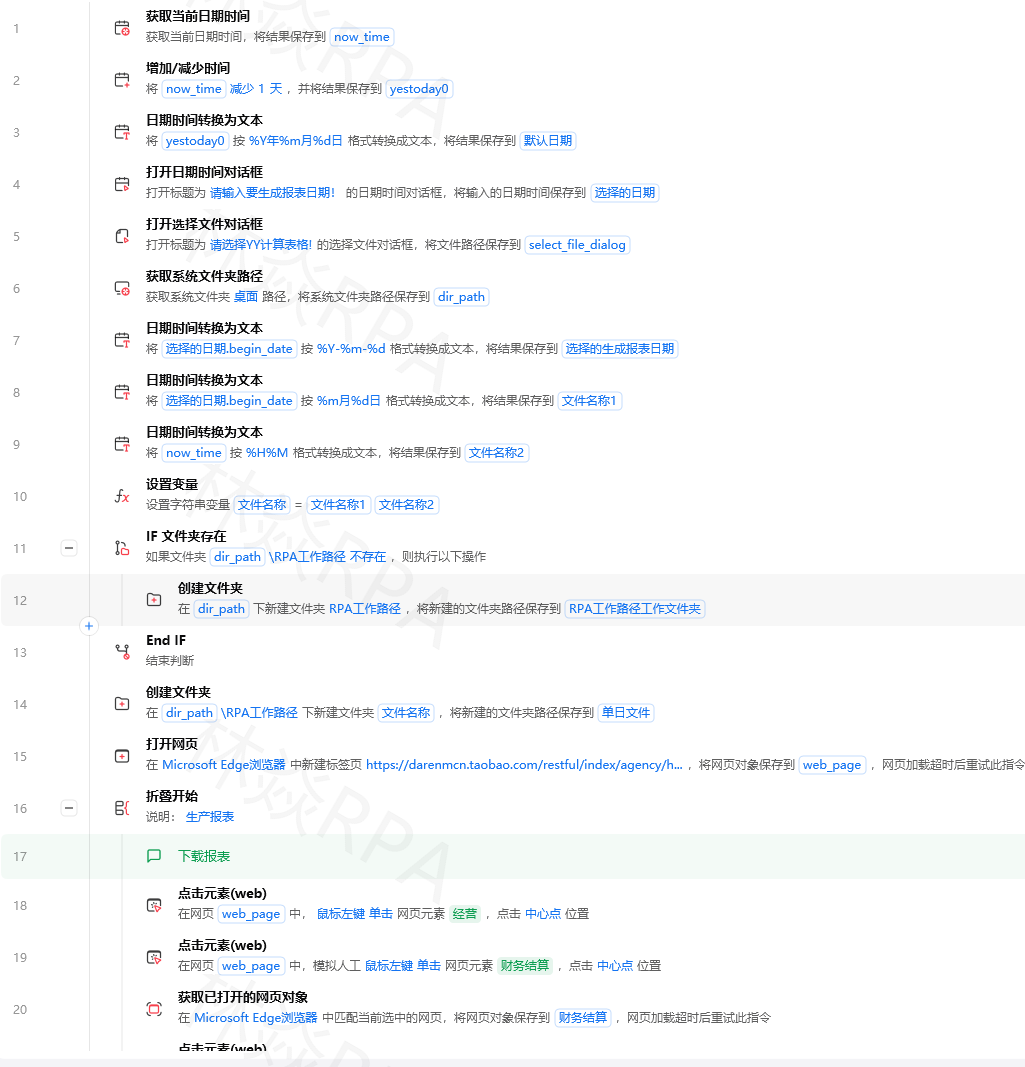 ) yd_var[results] results 【输出信息】 处理完成成功X个失败Y个 【写入Excel文件】 处理报告有什么坑坑1os.listdir包含隐藏文件# 问题listdir返回以.开头的隐藏文件和~$临时文件forfinos.listdir(folder):iff.startswith(~$)orf.startswith(.):[video(video-40gwAT3h-1784311536998)(type-csdn)(url-https://live.csdn.net/v/embed/526817)(image-https://v-blog.csdnimg.cn/asset/1d3c3709da119dd8c13ab01e9b282520/cover/Cover0.jpg)(title-TEMU店群矩阵自动化运营核价报活动)]continue# 跳过临时文件和隐藏文件坑2文件路径含中文或空格# 问题路径含空格或中文时某些操作失败filepathrC:\Data\我的 文件\report.xlsx# 解决用raw string或正斜杠filepathC:/Data/我的 文件/report.xlsx# Python的os模块支持正斜杠避免转义问题坑3遍历时文件被修改# 问题遍历文件夹时文件被其他程序修改或删除# 解决先复制文件列表再处理fileslist(os.listdir(folder))# 先转list快照forfinfiles:filepathos.path.join(folder,f)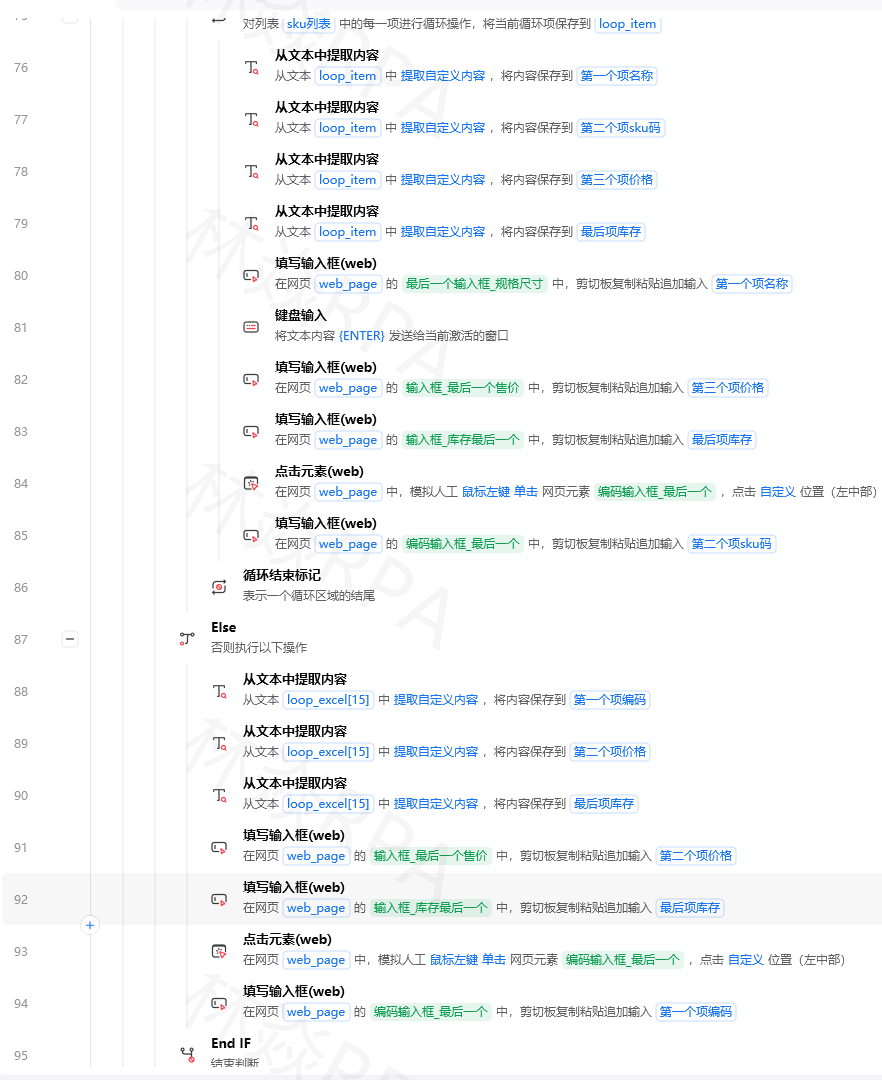ifnotos.path.exists(filepath):# 处理前检查continue# 处理...坑4递归遍历层级太深# 问题os.walk递归遍历很深的目录树很慢# 解决限制遍历深度defwalk_limited(root,max_depth3):限制深度的遍历rootos.path.abspath(root)fordirpath,dirnames,filenamesinos.walk(root):depthdirpath[len(root):].count(os.sep)ifdepthmax_depth:dirnames.clear()# 不再深入子目录yielddirpath,dirnames,filenames坑5批量处理中途中断# 问题处理100个文件到第50个出错了前面已处理的不知道# 解决记录处理进度progress_filerC:\Data\progress.txtprocessedset()ifos.path.exists(progress_file):withopen(progress_file,r)asf:processedset(f.read().splitlines())forfilepathinfiles:iffilepathinprocessed: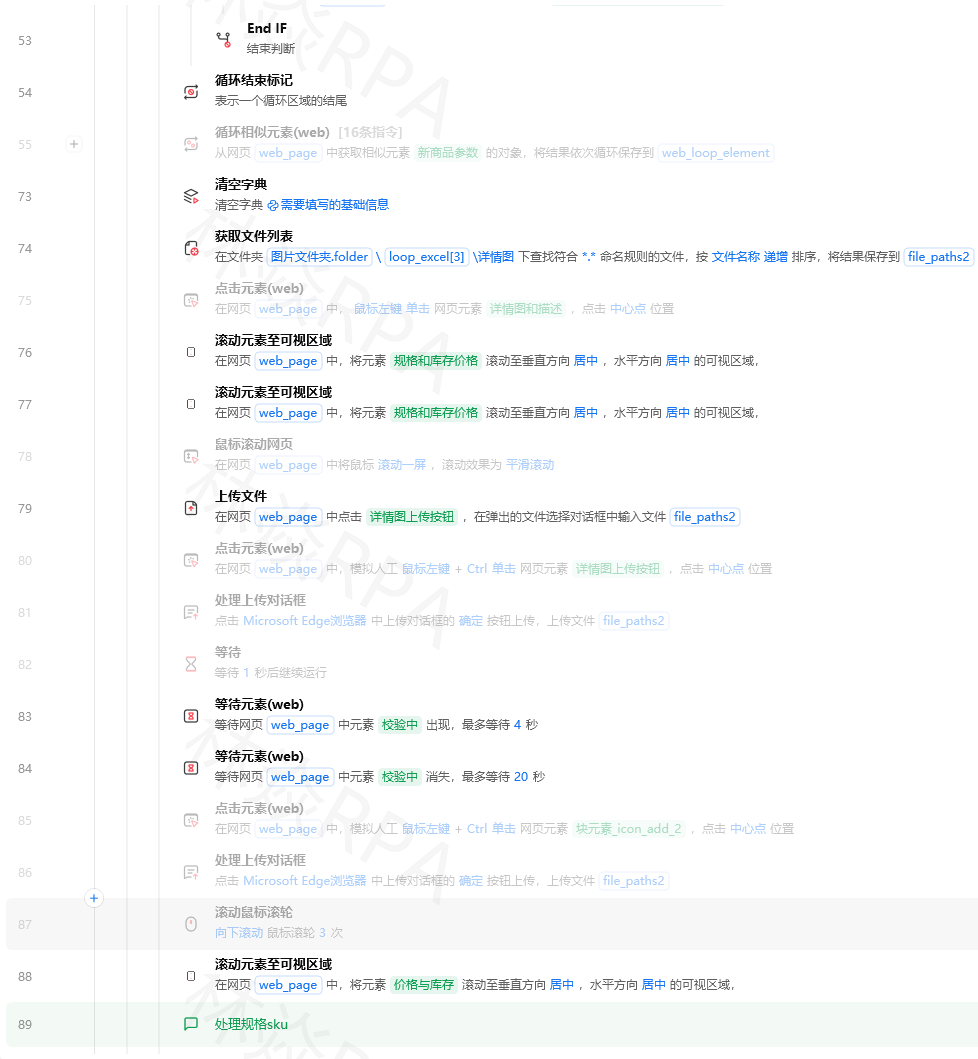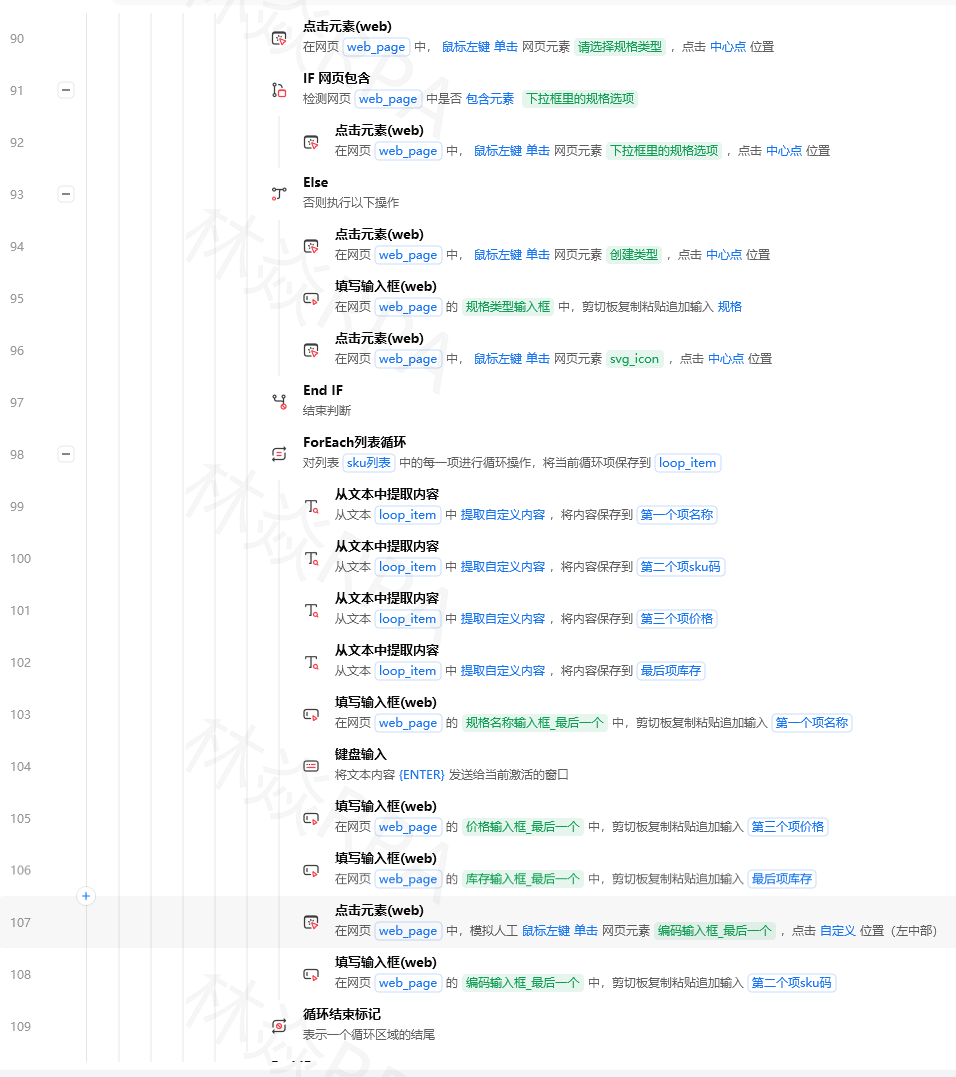continue# 跳过已处理的try:process_func(filepath)processed.add(filepath)withopen(progress_file,a)asf:f.write(filepath\n)except:print(f处理失败:{filepath})continue


